What Is a Stop-Limit Order? How It Works With Examples
Two prices, one order. The stop decides when; the limit decides how bad it can get.
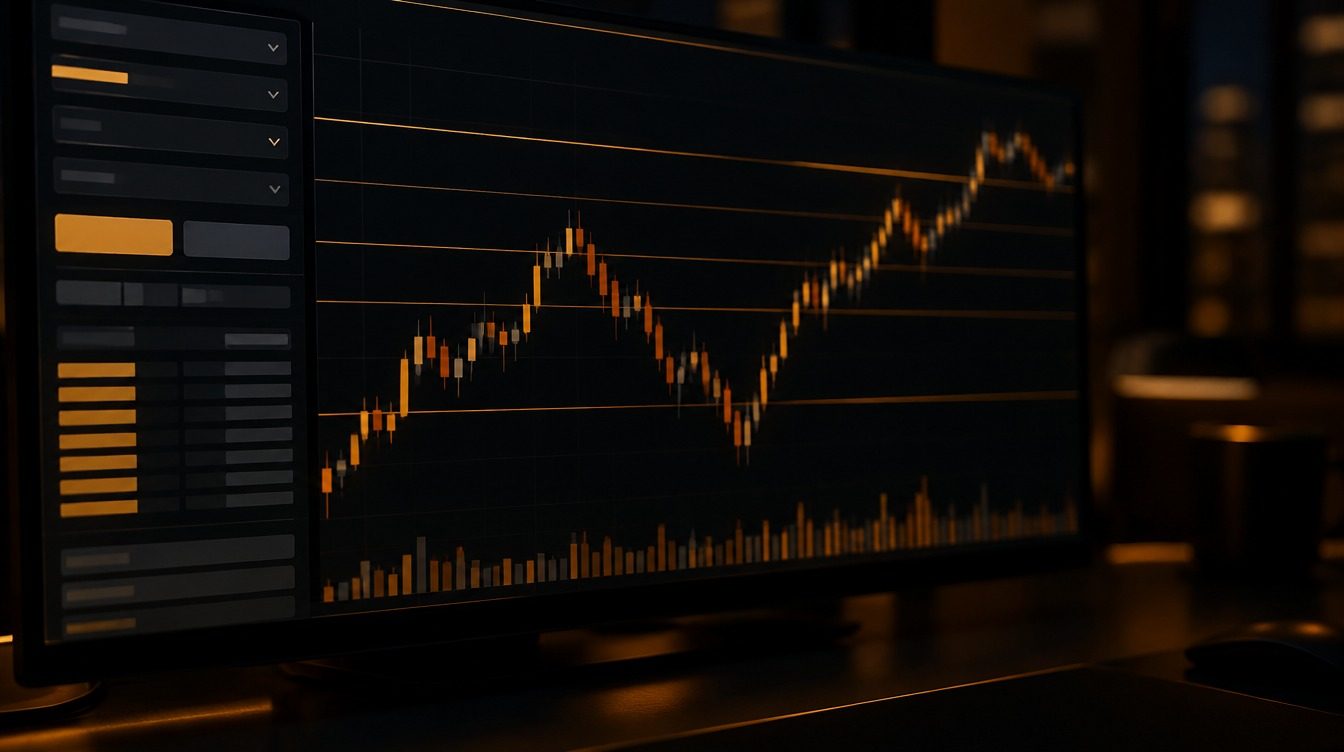
A stop-limit order uses two prices. The stop price is the trigger: when the market trades there, your order activates. The limit price is the worst price you'll accept once it's active. So the stop price and limit price together say "when price reaches X, place a limit order at Y". You control the fill price, but the order may not fill at all if the market moves past your limit.
What is stop price and limit price?
A plain stop order has one price. When it's reached, it becomes a market order and fills at whatever price is available. A stop-limit order adds a second price to cap how bad that fill can be. The SEC's bulletin on stop, stop-limit and trailing stop orders describes it the same way: once the stop price is reached, the order becomes a limit order.
- The stop price decides when the order goes live.
- The limit price decides the worst price at which it can fill.
- The gap between the two is your tolerance for slippage. A wider gap makes a fill more likely; a narrower gap protects price more tightly.
If the second half feels unfamiliar, start with our explainer on how a limit order works, because that's exactly what a stop-limit turns into.
How does a stop-limit order work?
- You enter the order with a side (buy or sell), quantity, stop price, limit price and time in force.
- The order waits, usually on your broker's system rather than in the exchange's order book.
- When the market trades at or through the stop price, the order is triggered.
- A limit order is then sent at your limit price.
- It fills at the limit or better if there's enough volume there. If price has already moved beyond the limit, it sits unfilled until price comes back or the order expires.
Brokers define the trigger slightly differently. Some trigger on a last trade, some on the bid or ask, and some require a minimum trade size. Check your platform's order-type help page before relying on exact behaviour.
What is a stop-limit sell order?
A sell stop-limit is mainly used to limit losses or protect profits on a long position, while refusing to sell below a set price. The stop sits below the current price and the limit at or a little below the stop.
| Scenario | Stock price | Stop | Limit | Result |
|---|---|---|---|---|
| Orderly decline | $50 falls steadily to $47 | $48.00 | $47.70 | Triggers at $48.00, fills between $48.00 and $47.70. |
| Fast drop | $50 falls quickly to $46 | $48.00 | $47.70 | Triggers at $48.00 but price skips past $47.70. No fill; you still hold the shares. |
| Overnight gap | Closes $50, opens $44 | $48.00 | $47.70 | Triggers at the open, but $44 is below the limit. No fill unless price recovers to $47.70. |
The last two rows are the main risk. A stop-limit protects you from a terrible fill, but in a gap or crash it can leave you holding a position you wanted to exit.
What is a buy stop-limit order?
A buy stop-limit sits above the current price. It's used to enter on a breakout, or to cap the loss on a short position, without chasing the price too far.
Example: a stock trades at $30 under resistance at $31. You place a buy stop at $31.10 with a limit of $31.40. If price breaks out to $31.10, you buy at up to $31.40. If it rockets straight to $32, you aren't filled, which may save you from buying the top of a spike. Breakouts that reverse quickly are common around obvious levels; see liquidity sweeps vs breakouts for why.
Stop order vs stop-limit order
| Stop (stop-market) | Stop-limit | |
|---|---|---|
| After trigger becomes | Market order | Limit order |
| Fill once triggered | Very likely in liquid markets | Not guaranteed |
| Price control | None; slippage can be large | Never worse than your limit |
| Biggest risk | Poor fill in a fast market or gap | No fill, leaving the position open |
| Often used for | Exits where getting out matters most | Entries on breakouts, exits in thin stocks |
Many traders use stop-market orders for protective exits on liquid instruments, because an unfilled stop can be far more costly than slippage. Others prefer stop-limits in thin stocks where a market order could fill badly. Neither is right for every situation.
How to choose the stop and limit prices
- Place the stop where your trade idea is wrong, such as beyond a swing low or a key level, not at a round number everyone else uses.
- Leave room between stop and limit. In a liquid large-cap a few cents may do; in a volatile stock you may need much more.
- Consider the session. Many brokers don't accept or trigger stop orders in pre-market and after-hours sessions, and prices can gap at the open.
- Pick a time in force. Day orders expire at the close; good-'til-cancelled orders keep working until a broker-set limit.
Limitations
A stop-limit isn't a guaranteed exit. In gaps, halts or fast markets it may not fill, and triggering rules vary by broker. Test how your platform handles it with a small position first. Any stop is a tool for managing risk, not removing it; trading always carries the risk of loss. For a wider view of controlling losses, browse our risk guides.
Common questions
What is a stop quote limit order?
It's a broker term for a stop-limit order, where the stop is triggered by a quote or trade at the stop price and then becomes a limit order at your limit price.
Can the stop price and limit price be the same?
Yes, but it makes a fill less likely, because any move past the stop before your order executes leaves it unfilled. Many traders set the limit a little beyond the stop.
Is a limit stop order the same as a stop-limit order?
Usually, yes. People use both phrases for an order that triggers at a stop price and then becomes a limit order, although platforms label it "stop limit".
Does a stop-limit order guarantee my price?
It guarantees you won't get a worse price than your limit, but it doesn't guarantee a fill. If the market moves past your limit, the order may never execute.
This guide is for education only and isn't financial advice. Trading involves risk, so practise new ideas on a demo account first.